Read your results
Share of voice
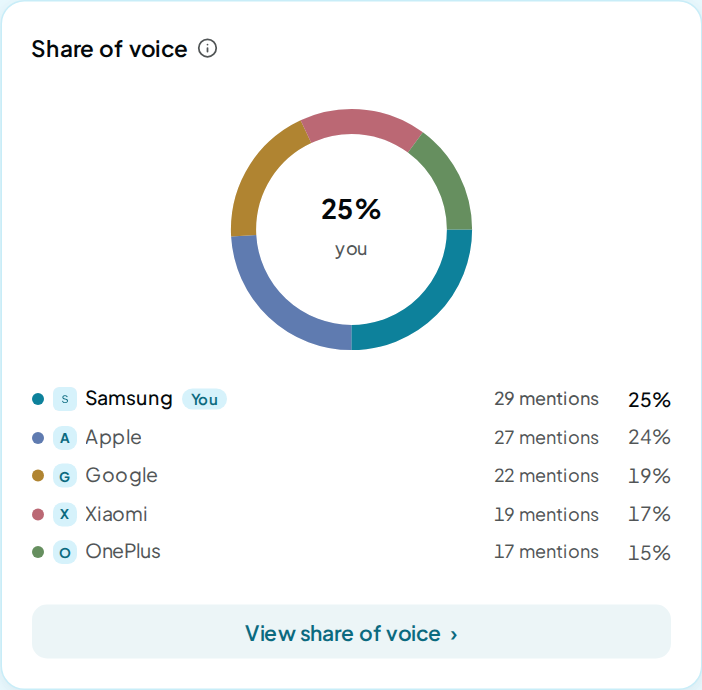
Share of voice is your share of all the brand mentions in a run's answers, set against your rivals.
How it's calculated
Share of voice = your mentions ÷ mentions of you and every rival × 100
A mention is one answer naming one brand. Each answer counts each brand once, however often it repeats the name. An answer that names you and 2 rivals adds 1 mention to each of the 3.
What counts:
- The rivals counted are the ones the run picked out of its answers, up to 25 per run.
- A rival you set to Ignore in its row menu on Insights leaves the count everywhere. Every other share is then worked out without it.
- An answer that names no brand adds nothing. An answer that failed is left out.
- A business the run did not list as a rival adds nothing, even when an answer names it.
How it adds up:
- Every answer counts the same, whichever AI model gave it. Filter by AI model and the same formula runs on that model's answers.
- The tile reads your latest run. The change beside it is the latest run minus the run before, in points.
- Each point on a trend chart is one run. The D, W and M buttons group runs by day, week or month, and show the average of a group's runs.
- Each share is rounded to a whole percent on its own.
Example
A run gets 40 answers. You are named in 12 of them, Rival A in 24 and Rival B in 12. That makes 48 mentions in all.
12 ÷ 48 × 100 = 25%
Your Share of voice is 25%. Rival A has 50% and Rival B has 25%. In the same run, your Visibility is 12 ÷ 40, or 30%.
How it differs from Visibility
Visibility divides your answers by all answers. Share of voice divides your mentions by all brand mentions. So Share of voice moves when your rivals move, even if your own answers stay the same.
Take the example above. If Rival B stops being named and nothing else changes, your Visibility stays at 30%. Your Share of voice rises to 12 ÷ 36, or 33%.
An answer that names no brand works the other way. It lowers your Visibility and leaves your Share of voice alone.
Reading it
Higher is better. A share above your top rival's means the answers name you more often than any one rival.
With few mentions in a run, one answer can swing the share by several points. Read the trend over several runs.
What moves it
- Being named on the prompts where a rival is named and you are not.
- Rivals gaining or losing answers, while your own count holds.
- Ignoring a rival, or bringing one back under Ignored brands.
- The rivals each run finds. Each run reads its own answers for rivals, so the set can change between runs.
- A rival you type in Brand settings joins the count only after a run picks it out of the answers.
Where to find it
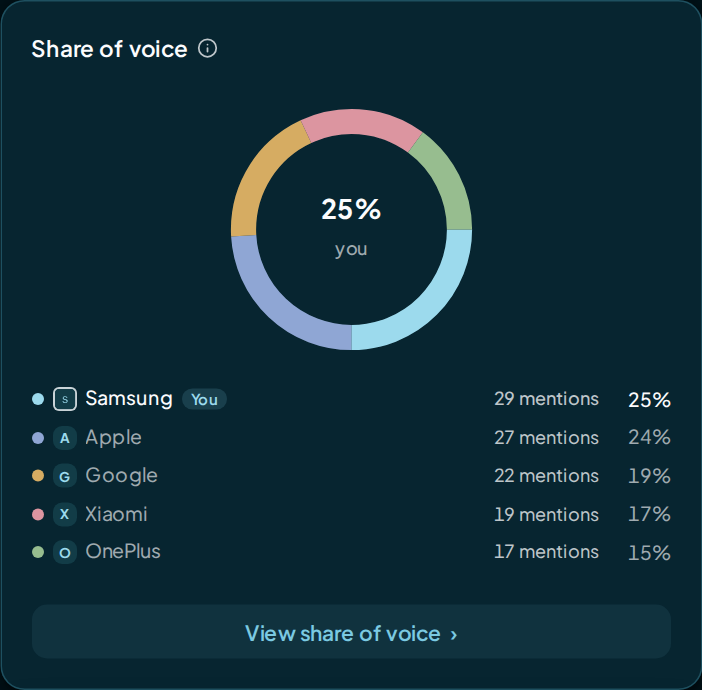
- Overview: the Share of voice tile, and the Share of voice donut with each brand's mention count.
- Insights: the same tile, Share on the trend card, the rivals board and the Share of voice donut. Filters apply to all of them.
- Prompts: the Share of voice chart under the prompts table.
FAQ
Why don't the shares add up to 100%?
Each share is rounded on its own. Three brands with a third each show as 33%, 33% and 33%.
Does an answer that names only me count?
Yes. It adds 1 to your mentions and nothing to any rival's, so your share rises.
Why is a rival I added missing from Share of voice?
Share of voice counts the rivals a run picks out of its answers. A rival you typed in Brand settings joins once a run finds it there.
Can I see Share of voice for one AI model?
Yes. Filter Insights by AI model, or use the Performance matrix. A cell with fewer than 3 answers shows a dash.