remake docs
See how often AI answers name your brand, fix your website so they do, and connect the API or your own AI assistant.
Find your way
-
Create your account, set up a brand and start its first run.
-
Visibility, share of voice, position, tone and sources, each with its formula.
-
Your AI makes the fixes, then remake checks they're live.
-
Manage every client from one login, and pitch new ones.
-
Read your numbers and start runs from your own code.
-
Let Claude, ChatGPT or Cursor read your results and start runs.
Start here
-
Type your website address and check what we found. Then add at least 10 prompts.
-
Pick the AI models to ask and how often. The button shows the price before you press it.
-
Open Overview when the run lands. See how many answers named you, and which rivals.
New to remake? Create your account first. It's free and asks for no card.
What you'll see
remake asks up to 12 AI models the prompts your customers would type, ChatGPT and Gemini among them. Each run shows how often each AI model names you.
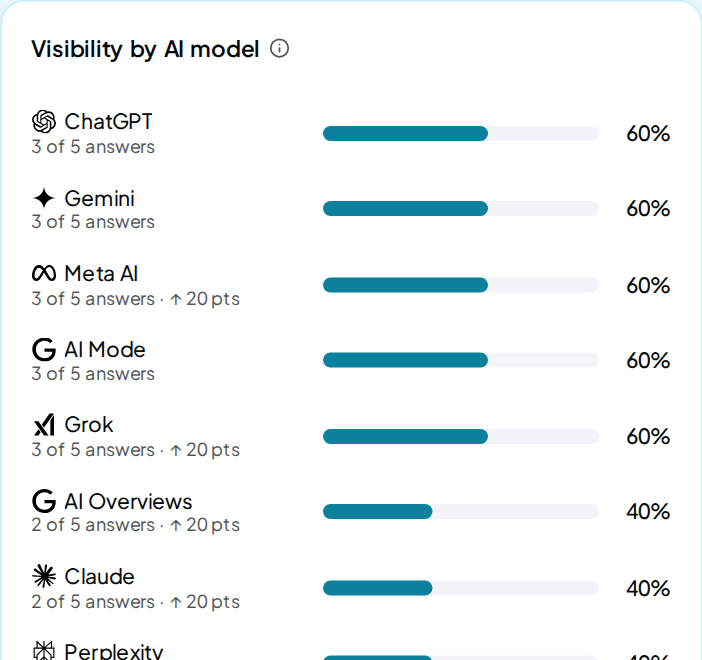
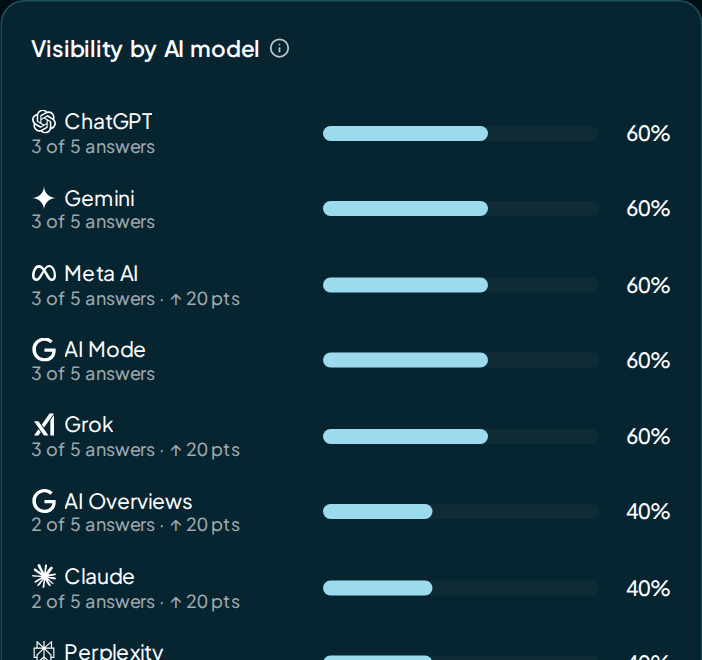
It also checks whether AI can read your website and writes the fixes. Then it re-checks your live site to confirm each fix is there.
More to know
-
One wallet, every feature
Every account gets every feature, from white label to the API and team seats. You top up one wallet, and runs, AI writing and fix re-checks take credit as they go. Auto top-up stays off unless you turn it on.
An agency account adds Prospecting and Pipeline; switch the account shape under Settings › Account. See Prices and limits.
-
Get help
In the app, open the Help menu (the ? in the top bar) and choose Ask the help bot. It answers questions about runs, credit and your account, at no cost.
The FAQ has short answers, and the glossary defines the app's words. Anything else? Email gabi@tryremake.com with your website.